
Contractor Website Builder
The website builder that speaks your trade.
General-purpose builders give you a template and a lot of decisions. MyTradeForge asks what you do and where you work, then builds a complete contractor website — pages, services, search basics and design — that you can run from your phone.
How Setup Works
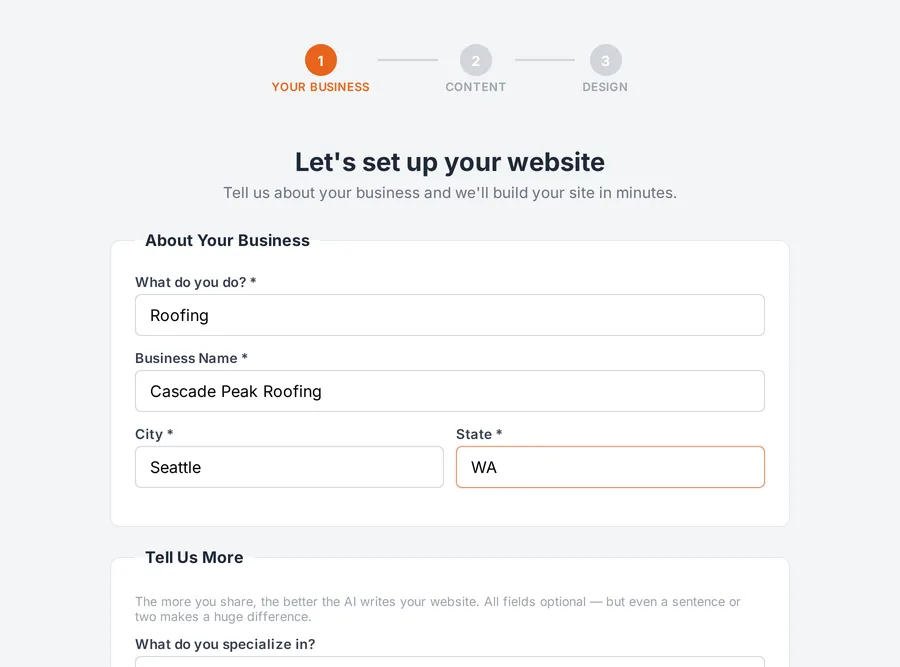
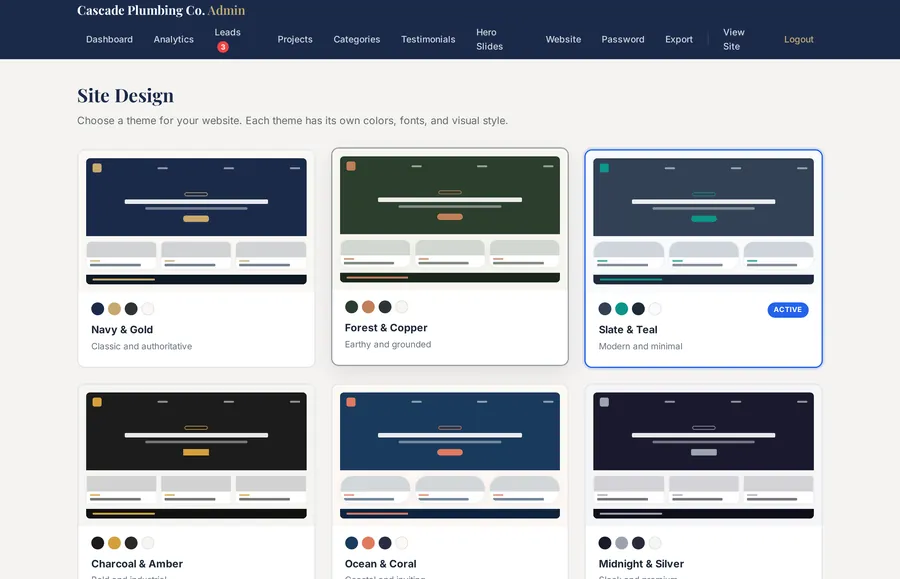
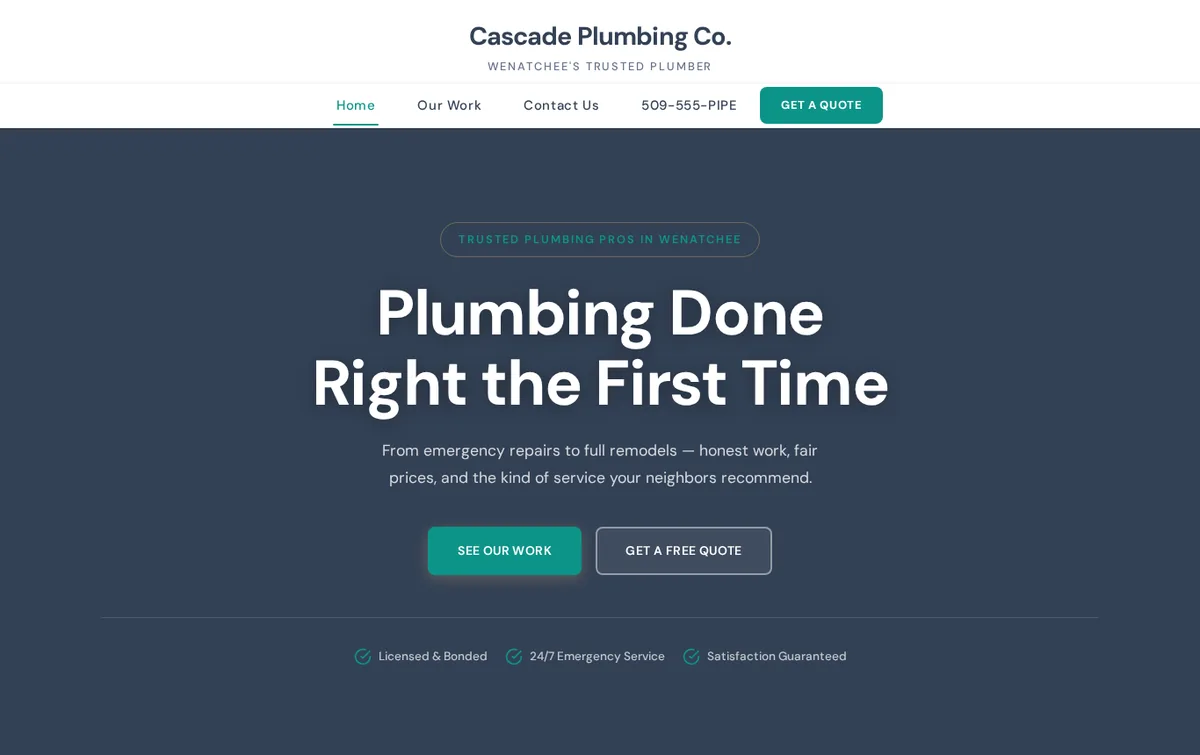
From a few answers to a finished site.
These are the real setup screens.
After Launch
Run it from your phone.
The admin is designed for a phone first, because that's where you are between jobs.
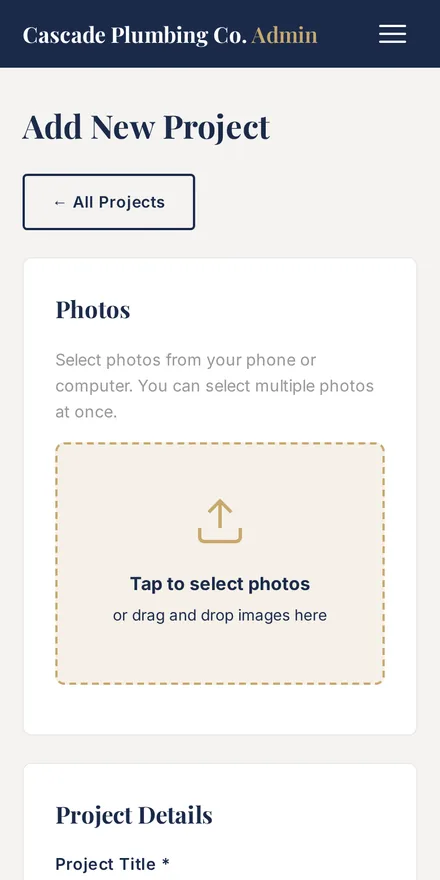
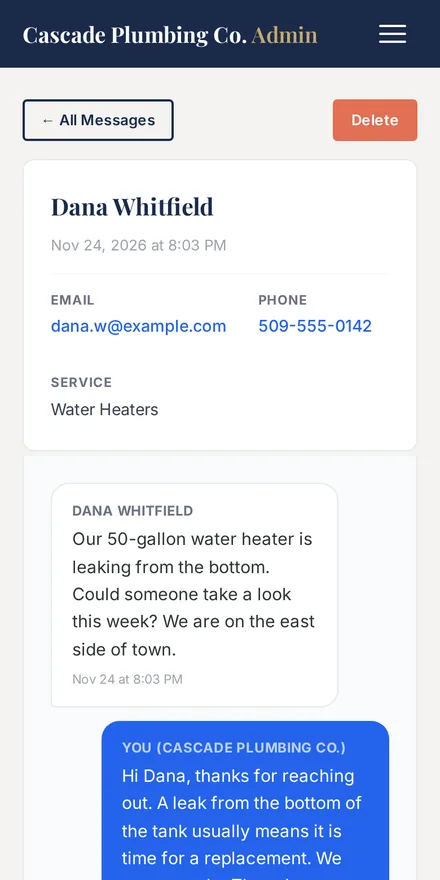
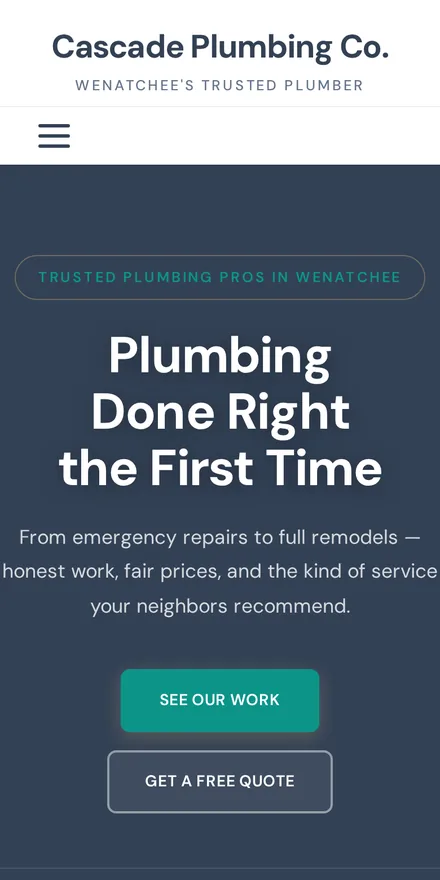
Real MyTradeForge screens from a demo site; the business and customer shown are fictional.
What's Included
The parts of a contractor website that matter.
Pages written for your trade
The setup wizard writes your headline, service descriptions, contact page text and search descriptions for your trade and city. AI writing is included with a monthly allowance on each plan.
Service pages
Each service is a category with its own page: your description of the work plus the projects you file under it.
Project portfolio
Add projects with multiple photos. Uploads are rotated, compressed to WebP and thumbnailed automatically; drag to reorder and pick a cover photo.
Leads inbox
Contact-form messages are saved and emailed to you with a one-click sign-in link. On Pro and Premium, reply from that email and the conversation is kept with the lead.
Built-in analytics
Visits over time, traffic sources, referring sites, top pages and devices — first-party and cookieless, with no Google Analytics added to your site. Search terms appear when a search engine passes them along.
Local search basics
LocalBusiness structured data with your city, an automatic sitemap and robots.txt, social share cards, WebP images and clean page addresses.
Testimonials & trust badges
Add customer testimonials and set the trust badges at the top of your homepage — licensing, guarantees, free estimates — in your own words.
Hosting, SSL & backups
Included on every plan. Your own domain with automatic SSL on Pro and Premium.
Your content stays yours
Export your content at any time. Cancel and your site stays live through the end of the period you've paid for.
Built for Your Trade
See what MyTradeForge does for your trade.
How it differs from a general-purpose builder
Wix, Squarespace and similar builders are capable tools with templates, AI helpers, mobile editing and a wide range of business features. The difference is focus. MyTradeForge does fewer things, all aimed at a contractor's site: it starts from your trade instead of a blank template, sets up service pages and a portfolio by default, and keeps the admin simple enough to use on a phone between jobs.
If you need an online store, bookings or complete design freedom, a general builder will likely suit you better. Read the full, honest comparison.
Common questions
What is a contractor website builder?
A website builder designed around how trade and home-service businesses win work: service pages, project galleries, a quote form and local search basics, set up for you instead of assembled from a blank template.
How long does setup take?
The guided setup asks for your trade, business name, city and a few optional details, then generates your pages, services and design — usually in a couple of minutes. Adding your own project photos takes as long as you want it to.
Do I need my own domain?
No. Every site starts on a free yourname.mytradeforge.com address with SSL. On Pro and Premium you can connect a domain you own whenever you're ready.
Which trades is it for?
Any trade or home-service business — plumbers, electricians, HVAC, carpenters, welders, roofers, landscapers, painters, remodelers and more. The setup wizard writes from whatever trade you enter.
See your site before your coffee gets cold.
Answer a few questions and MyTradeForge builds a website written for your trade. 14-day money-back guarantee.
Start your site →